Configure Mintlify to deploy documentation from a specific directory within a monorepo. This setup lets you maintain documentation alongside your code in repositories that contain multiple projects or services. A typical monorepo structure might look like this:
your-repo/
├── apps/
│   ├── web/
│   └── api/
├── docs/
│   ├── docs.json
│   └── quickstart.mdx
└── package.json
In this example, you’d set your documentation path to /docs.

Prerequisites

  • Admin access to your Mintlify project.
  • Documentation files organized in a dedicated directory within your monorepo.
  • A valid docs.json in your documentation directory.

Configure monorepo deployment

1

Access Git settings

Navigate to Git Settings in your dashboard.
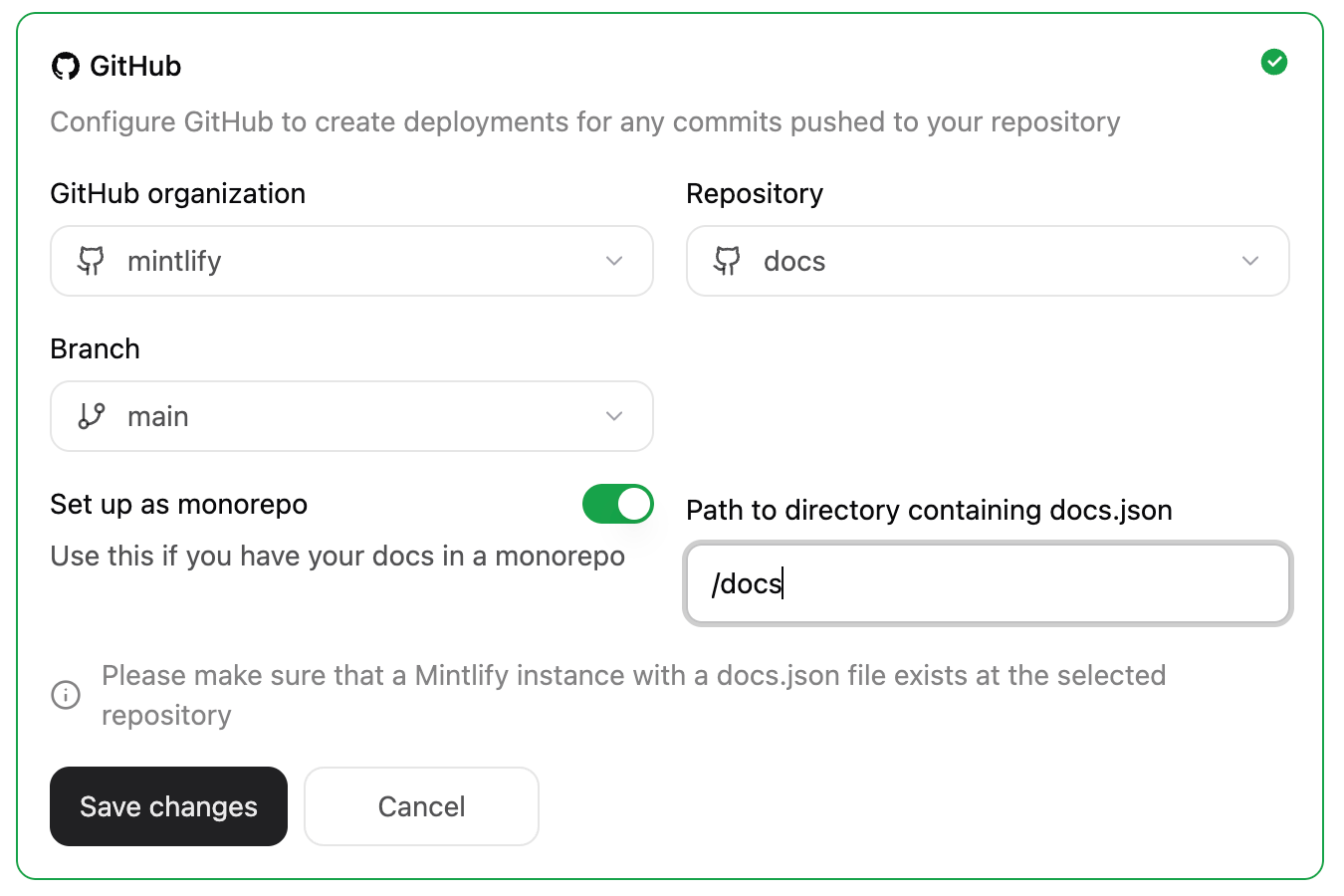
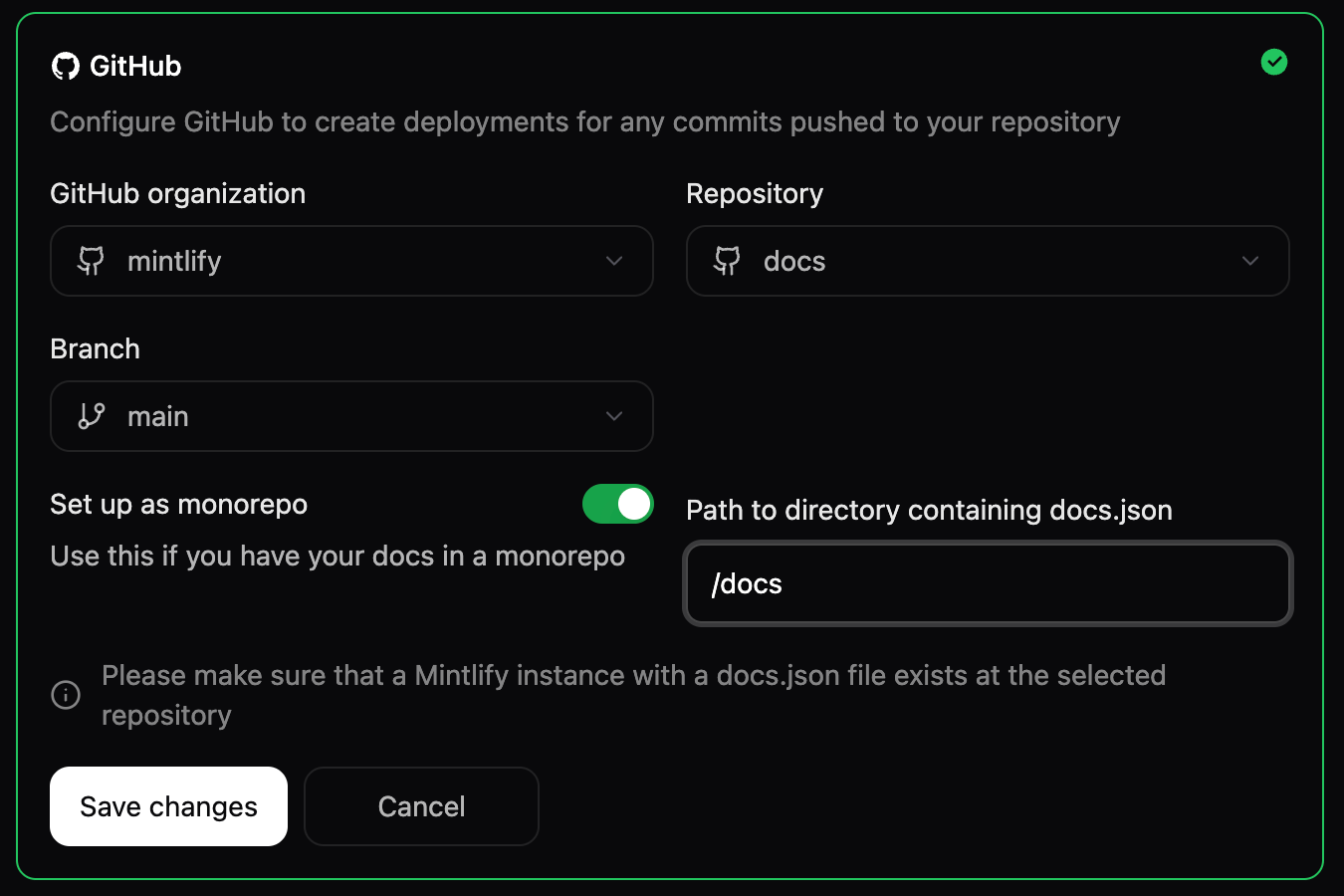
The project settings panel in the Git Settings menu, showing the docs.json is in a subdirectory toggle enabled and a path to the /docs directory specified.
2

Set your documentation path

  1. Enable the docs.json is in a subdirectory toggle.
  2. Enter the relative path to your docs directory. For example, if your docs are in the docs directory, enter /docs.
Do not include a trailing slash in the path.
  1. Click Save changes.